 Wonder Hammer
Delete your account
-
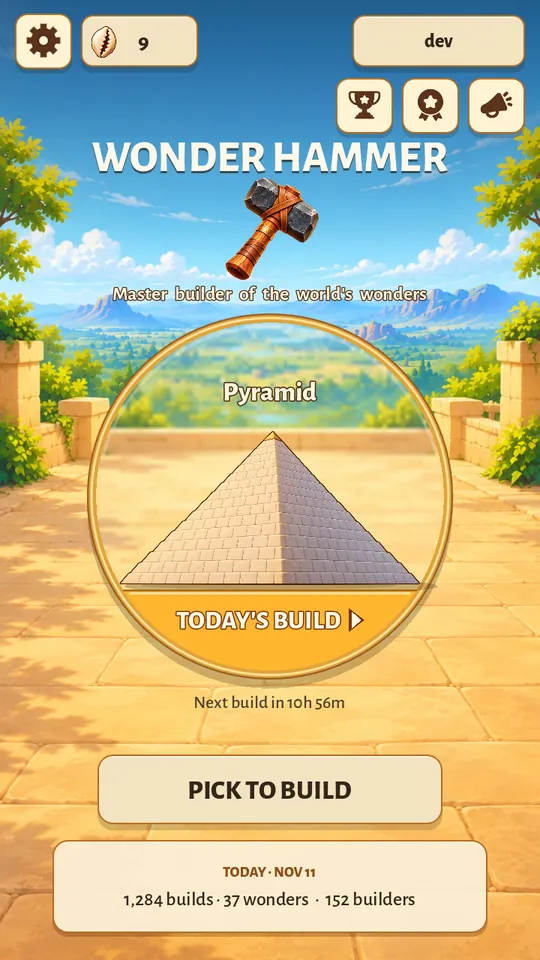
Tap your builder name at the top right of the home screen.
-
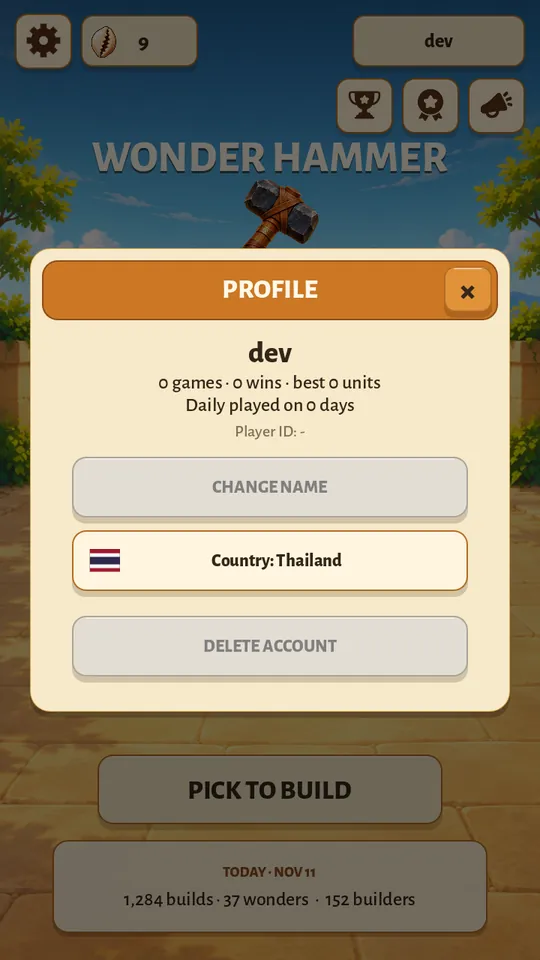
Tap DELETE ACCOUNT at the bottom of your profile.
-
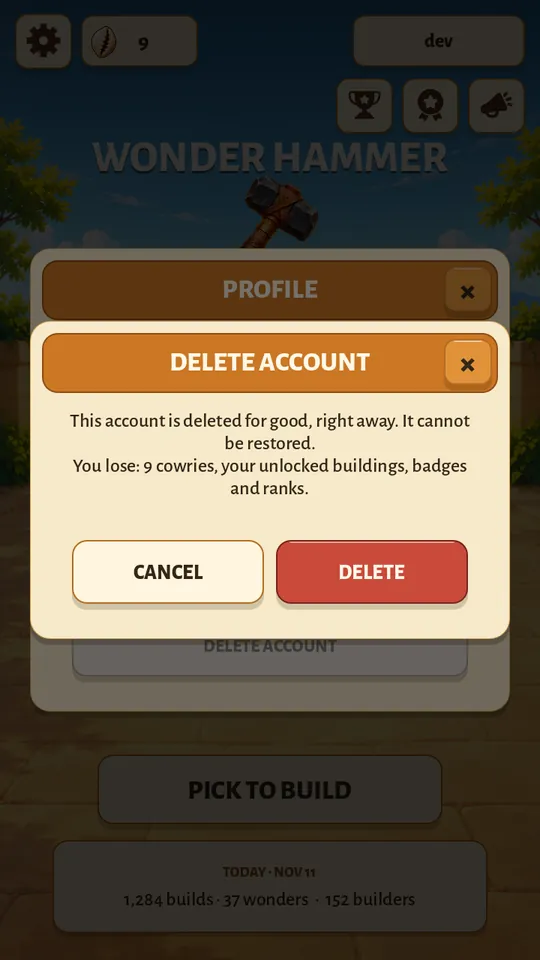
Read what you lose, then tap DELETE. CANCEL takes you back with nothing changed.
-
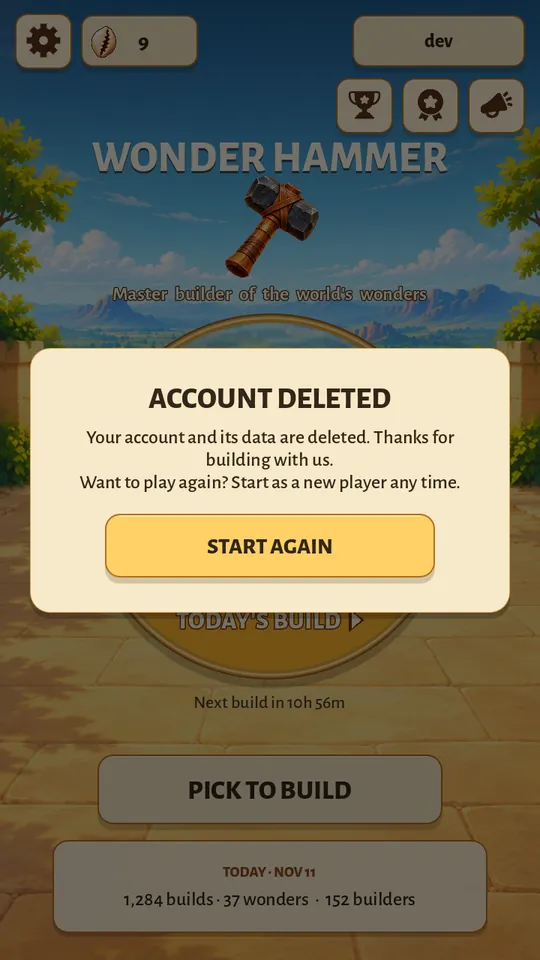
Done. The account is gone. START AGAIN begins a new guest account with nothing carried over.
What is deleted
- Your account's key, so the account can never be used again
- Your builder name and your country
- Your cowries and the wonders you unlocked
- Your badges and your ranking points, so you leave the rankings
What is kept
- The records of the games themselves, with nothing that identifies you. We use them to detect cheating and tune difficulty.
- Points already counted for a country
- A ban record, if the account had one, without your name
Good to know
- Removing the app from your device does not delete the account on our server. Delete the account first, then remove the app.
- You need to be online, because the deletion happens on our server.
- The full details are in the privacy policy.